

The 2026 FIFA World Cup is not just another tournament. It is the biggest, most ambitious World Cup in the history of the sport — expanded to 48 teams for the first time ever, co-hosted across three nations (the United States, Canada, and Mexico), and scheduled to deliver 104 matches from the Opening Match all the way through to the Final. For football fans, there has never been a tournament quite like it.
This is also an event that happens once every four years. The Group Stage drama, the tension of the Round of 16, the brilliance of the Quarter-Finals and Semi-Finals, and that Final — all of it is irreplaceable. You cannot rewind history. If your streaming setup lets you down at the wrong moment, that moment is gone.
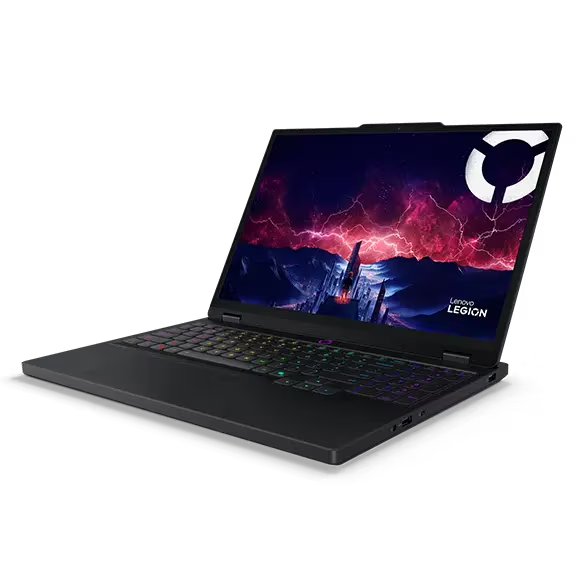
Millions of fans worldwide will be watching online in 2026 — on phones, laptops, Smart TVs, and tablets. The shift away from traditional broadcast television is accelerating, and for good reason: streaming offers flexibility, quality, and convenience that no cable subscription can match. But getting it right requires a little preparation.
This guide covers everything you need to know about watching the 2026 FIFA World Cup online — from HD and 4K quality to mobile viewing, Smart TV setup, streaming while travelling, and how to make sure you are technically ready before the Opening Match kicks off.
📺 The 2026 World Cup Is Almost Here
104 matches. 48 teams. One tournament. Make sure you have a reliable streaming option in place before the Opening Match.
Why More Fans Are Watching the World Cup Online
Traditional broadcast television is no longer the default way to follow football. Over the past decade, the shift towards digital and on-demand viewing has accelerated rapidly, and the World Cup has consistently been at the forefront of that change. The 2026 tournament is expected to be the most-streamed World Cup in history by a significant margin.
Part of the reason is the scale of this particular tournament. With 48 teams competing across a record 104 matches — from the Group Stage through the Round of 16, Quarter-Finals, Semi-Finals, and ultimately the Final — there is simply more to follow than any single broadcast schedule can comfortably handle. Streaming puts the viewer in control, making it possible to watch any match, on any device, at any time.
The other reason is flexibility. A Group Stage match at 3pm on a Tuesday is easy to miss if you rely on a television in a fixed location. Streaming means that match travels with you — to your phone, your laptop, your tablet — wherever you happen to be when the whistle blows. For fans who take their football seriously, that freedom is invaluable.
This World Cup only happens once. The Opening Match, the drama of the knockout rounds, the Semi-Finals, and the Final are moments that cannot be replicated. Getting your streaming setup right ensures that none of those moments slip by because of a technical issue that could have been avoided.
What to Look For in a Streaming Service
Not every streaming platform is built equally for live sport. Watching a recorded film is a forgiving experience — a few seconds of buffering is a minor inconvenience. Watching a live World Cup match is entirely different. A delayed stream, a frozen screen, or a sudden dropout during a penalty shootout at the Quarter-Final stage is the kind of thing that stays with a football fan for a very long time.
When evaluating any streaming option for the 2026 World Cup, these are the qualities that matter most.
- ✓ True live streaming — genuine real-time broadcast, not a delayed or on-demand-only feed. Every second counts from the Group Stage to the Final.
- ✓ HD and 4K video quality — at minimum 1080p HD, with 4K support on premium tiers for the biggest matches.
- ✓ Reliable performance at peak demand — major knockout matches draw tens of millions of simultaneous viewers worldwide. Strong server infrastructure is non-negotiable.
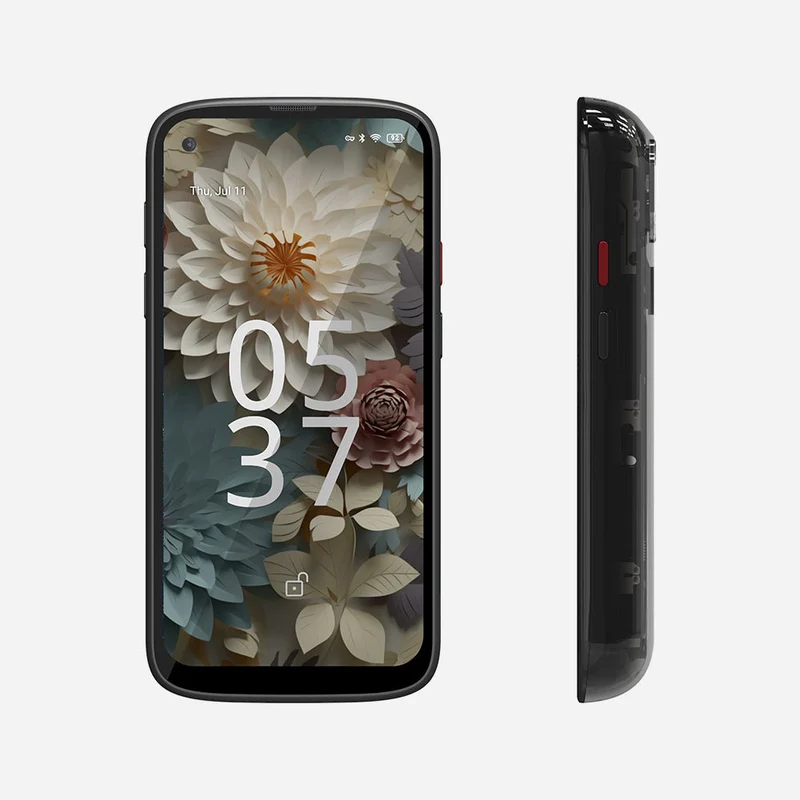
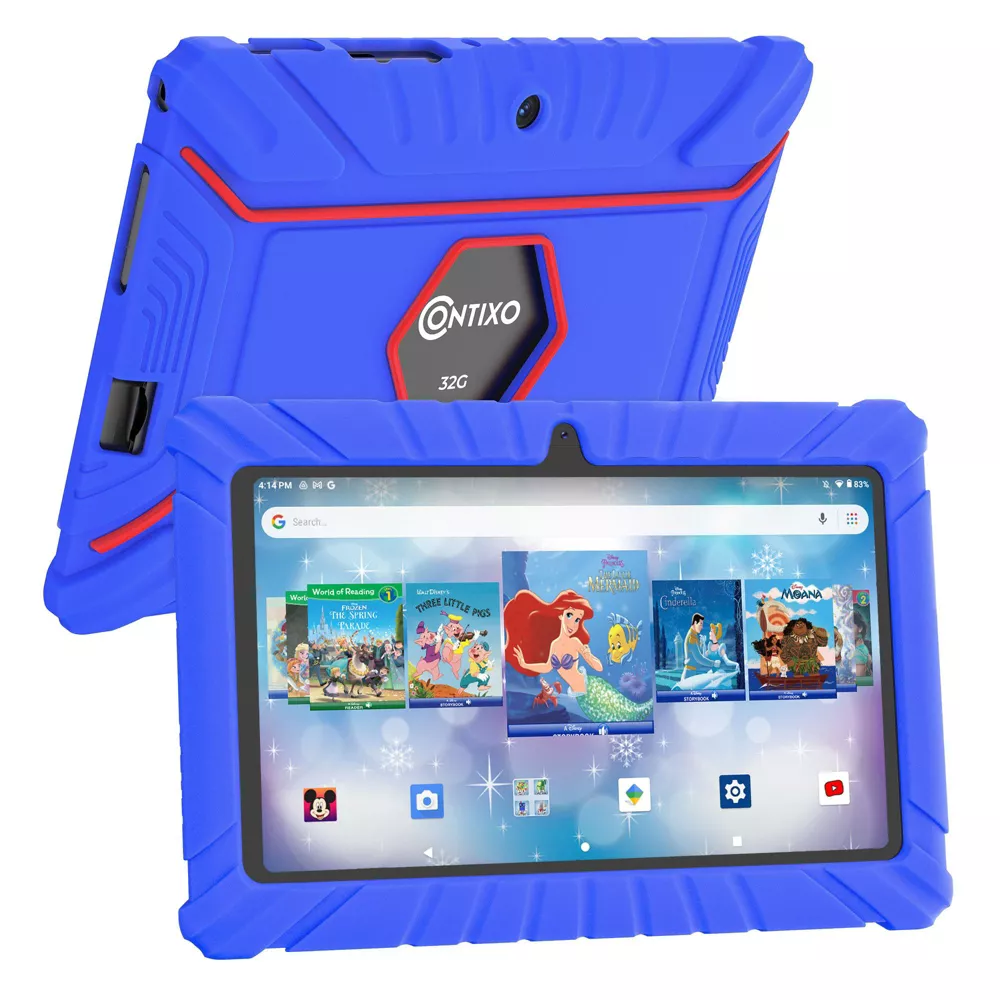
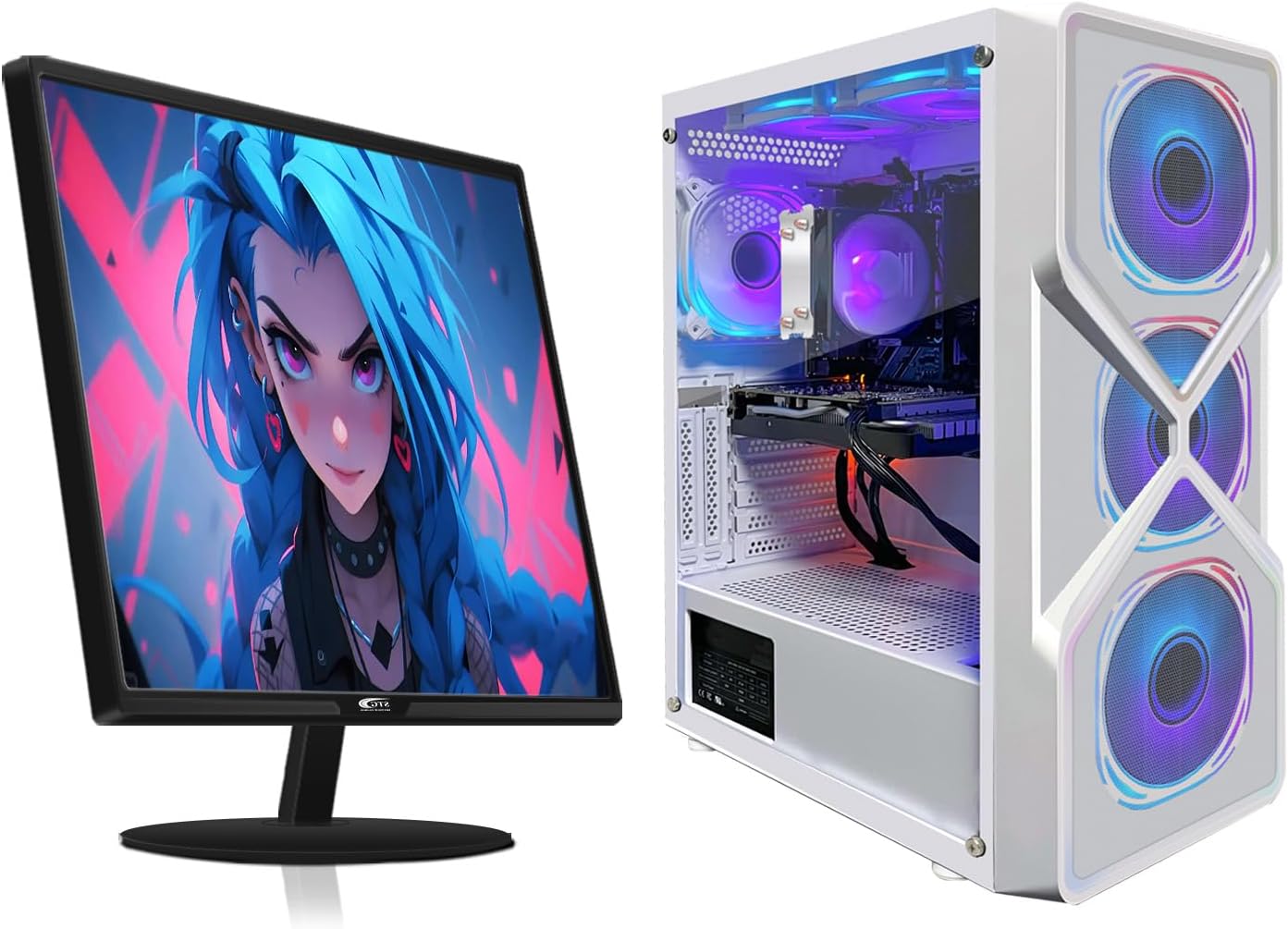
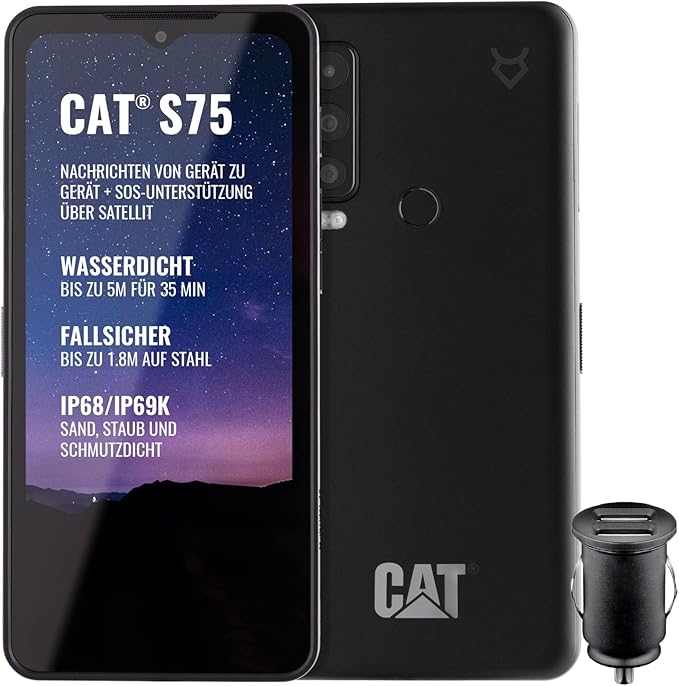
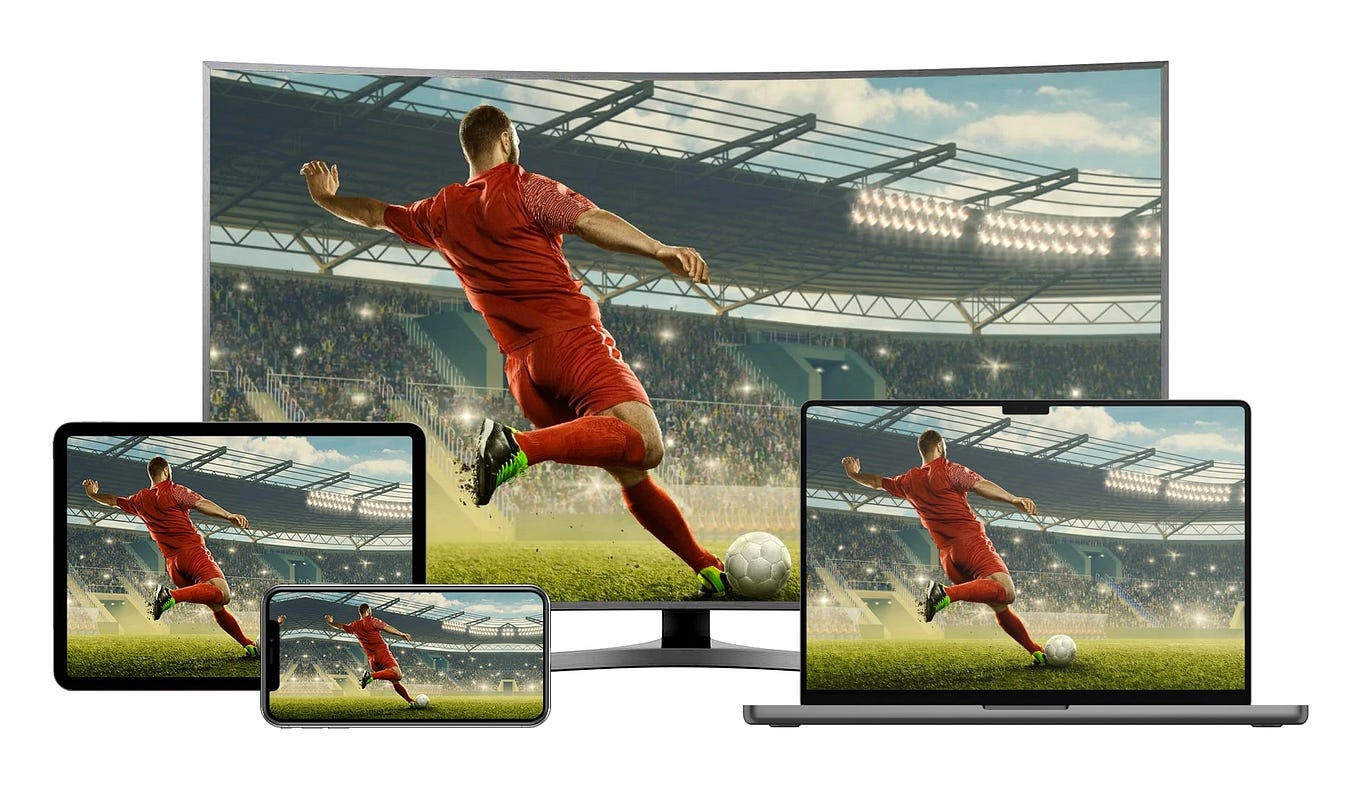
- ✓ Multi-device support — the ability to watch on your phone, laptop, Smart TV, and tablet under one subscription.
- ✓ Easy setup and intuitive interface — you should be watching within seconds, not navigating a complicated menu when a match has already kicked off.
- ✓ Catch-up and replay access — for matches that fall outside your time zone or clash with other commitments, high-quality on-demand replays are essential.
Reliable HD & 4K Streaming
The visual experience of watching a World Cup match has never been more impressive — but only if your streaming setup can keep up. HD at 1080p is now the baseline expectation for live sport, while 4K is increasingly available on premium tiers. For a tournament of this scale — from the opening ceremony to the Final whistle — picture quality genuinely matters.
For HD streaming, a stable internet connection of at least 5–10 Mbps is recommended. For 4K HDR content, you will typically need 25 Mbps or more with a low-latency connection. Most modern home broadband packages meet this threshold comfortably, but the streaming platform itself must be optimised to deliver that quality reliably — particularly under the pressure of a sold-out Semi-Final or Final.
It is worth running a speed test on your home broadband and checking your router placement before the tournament begins. A wired Ethernet connection will always outperform Wi-Fi for stability during critical moments, and if multiple devices in your household are sharing bandwidth simultaneously, quality can drop. Knowing this in advance means you can fix it before a Group Stage match, not during one.
⚡ Stream Every Match in HD & 4K
From the Opening Match through to the Final, make sure your streaming setup delivers the quality this tournament deserves.
Watching on Mobile Devices
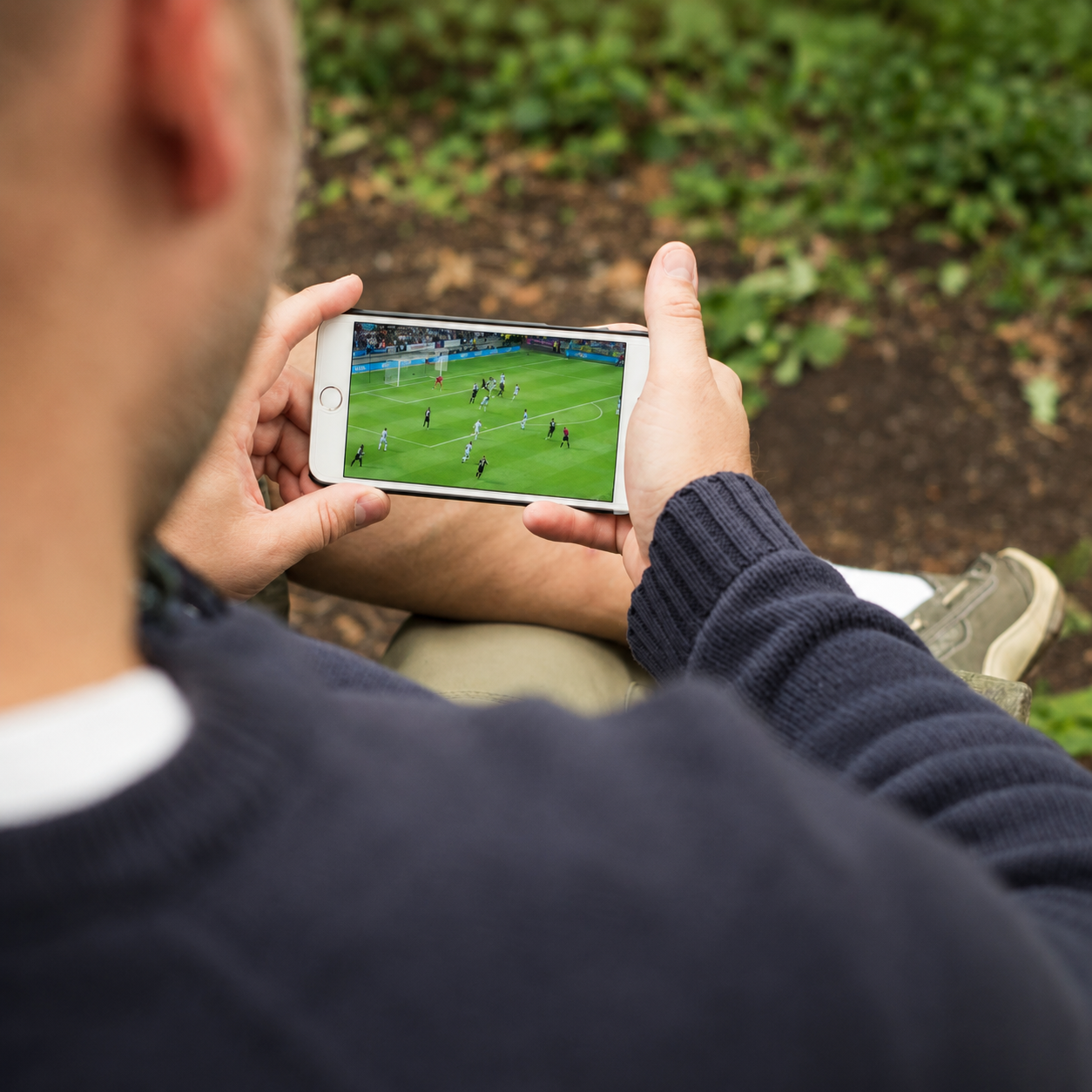
One of the defining advantages of modern streaming is the ability to take the World Cup with you wherever you go. Whether you are commuting during a Group Stage match, catching a Round of 16 clash from a café, or following a Semi-Final from a hotel room abroad, mobile viewing has become an integral part of how fans experience the tournament.
The best streaming services offer dedicated apps for both iOS and Android that maintain the same core quality and features as their desktop counterparts. Look for apps that support adaptive bitrate streaming — this technology automatically adjusts video quality based on your available signal, preventing frustrating interruptions when you move between Wi-Fi and mobile data at the worst possible moment.
Battery and data usage are also practical considerations. Streaming HD content over mobile data can consume several gigabytes per hour. Before the tournament begins, check your data plan and make sure you have enough capacity for the matches that matter most. Where available, downloading replays on Wi-Fi for offline viewing is a smart backup option for the later rounds.
Watching on Smart TVs & Streaming Devices
For many fans, the World Cup belongs on the biggest screen in the house. Smart TVs and dedicated streaming devices have made high-quality live sport accessible in the living room without any need for a traditional satellite or cable subscription.
Most major streaming platforms now offer dedicated apps for Android TV, Samsung Tizen, LG webOS, Amazon Fire TV Stick, Apple TV, Roku, and similar devices. Setup is straightforward — install the app, log in, and you are ready to watch.
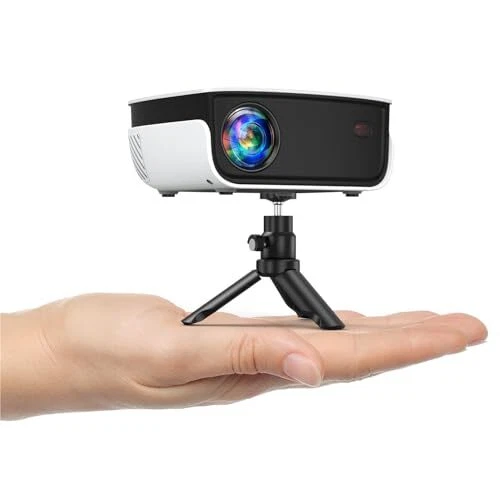
For Smart TVs that do not support a specific platform’s native app, many services can also be accessed by mirroring content from a phone or laptop, or by connecting a portable streaming stick to an available HDMI port. This provides a cost-effective way to bring modern streaming to an older television.
📱 Watch on Any Screen
Phone, Smart TV, laptop, or tablet — make sure your devices are ready before the Opening Match. Check streaming availability for your setup.
Streaming While Travelling
One of the less-discussed challenges of following the World Cup is doing so while away from home. The 2026 tournament runs across June and July — peak summer travel season for many fans worldwide — which means there is a very real possibility you will need to watch a Quarter-Final, Semi-Final, or even the Final from a different country or region.
Access to streaming content can vary depending on your location. Some platforms have regional availability restrictions tied to broadcast rights agreements, which can affect what you are able to watch from abroad. Before travelling during the tournament, check whether your usual streaming service is accessible in your destination. This is the kind of thing that is easy to investigate before you leave, and deeply frustrating to discover five minutes before kickoff.
Connectivity is equally important. Hotel Wi-Fi networks vary enormously in quality, and a crowded hotel connection on a match night may not deliver the stability you need for a live stream. Consider whether your mobile data plan offers sufficient international roaming, or whether a portable Wi-Fi device might be a worthwhile investment for travel during the tournament’s crucial later stages.
Preparing Your Streaming Setup Before Kickoff
The single biggest mistake football fans make with streaming is leaving setup to the last minute. Creating an account, installing an app, or troubleshooting a Smart TV connection is manageable on a quiet Tuesday afternoon. Doing it while the pre-match analysis is already running and kickoff is 20 minutes away is a very different experience.
The 2026 World Cup opens on June 11th. That gives you time now to get everything in order. Here is a practical checklist to make sure you are ready.
- ✓ Test your internet speed — run a speed test at home and confirm you have at least 10 Mbps for reliable HD streaming, or 25+ Mbps for 4K. If your speeds are lower than expected, try a wired Ethernet connection or reposition your router.
- ✓ Check device compatibility — confirm that your Smart TV, phone, tablet, and laptop are all supported by the streaming platform you plan to use. App availability varies by device and operating system version.
- ✓ Install apps in advance — download and install your streaming app on every device you plan to use before match day. App stores can be slow to process downloads, and large updates sometimes appear at the worst possible times.
- ✓ Create and verify your account — set up your subscription, confirm your email address, and complete any identity verification steps well before the Opening Match. Some platforms have onboarding steps that can take up to 24 hours to process.
- ✓ Test a live stream — before the tournament begins, try watching a live sports event on your chosen platform to confirm everything works end-to-end. Picture quality, sound, and latency should all be checked in advance.
- ✓ Set up notifications or reminders — use your streaming platform’s scheduling features, if available, to set reminders for key matches so you never accidentally miss a Group Stage game that could affect qualification.
Fans who prepare early watch the tournament. Fans who leave it to the last minute watch the loading screen. The Round of 16, Quarter-Finals, Semi-Finals, and Final are too important to risk on an untested setup.
🛠️ Get Set Up Before the Tournament Starts
The Opening Match is closer than you think. Make sure your streaming setup is tested and ready before the first whistle blows.
Pricing & Subscription Considerations
Streaming services for live sport span a wide range of price points. Entry-level or ad-supported tiers can offer basic access at a lower monthly cost, while premium plans typically deliver superior video quality, more simultaneous streams, and additional features such as offline downloads or multi-language commentary — useful for a tournament where the commentary options can genuinely enhance the experience.
The 2026 World Cup runs for approximately one month, from the Opening Match on June 11th to the Final on July 19th. For fans who are primarily interested in World Cup coverage, a flexible monthly subscription timed to the tournament can represent excellent value. Many platforms offer free trials ahead of major sporting events, which can cover at least part of the Group Stage at no cost.
For fans who intend to keep the service beyond the Final — for domestic league football, other sports, or entertainment content — a longer-term plan typically offers a meaningfully lower per-month cost. It is worth calculating the full-year value, not just the monthly figure, when making that decision.
Introductory pricing and promotional offers frequently appear ahead of major tournaments. If you are not yet subscribed, the period leading up to the Opening Match is often the best time to sign up and lock in a deal.
⚽ THE 2026 WORLD CUP STARTS JUNE 11TH
48 teams. 104 matches. One month. One chance. Find your streaming option and make sure you are ready before the Opening Match kicks off.
- ✓ Group Stage — June 11th to June 27th
- ✓ Round of 16 — June 28th to July 2nd
- ✓ Quarter-Finals — July 4th and 5th
- ✓ Semi-Finals — July 8th and 9th
- ✓ The Final — July 19th, MetLife Stadium, New Jersey
Final Thoughts
The 2026 FIFA World Cup is a once-in-a-generation event. It happens once every four years — and this edition, with its record 48 teams, record 104 matches, and three-country host setup, will not be repeated in the same form. From the Opening Match ceremony through the drama of the Group Stage, the tension of the Round of 16, the brilliance of the Quarter-Finals, the electric atmosphere of the Semi-Finals, and ultimately the Final itself on July 19th — this is a month of football that deserves to be watched properly.
The biggest risk to your viewing experience is not finding the right streaming service — it is not being ready when it matters. A slow internet connection discovered during a Quarter-Final penalty shootout, a streaming app that has not been installed, or an account that has not been activated are problems that take ten minutes to prevent and ten times longer to regret.
Start now. Test your internet speed. Install the apps on every device you plan to use. Set up and verify your account before the tournament begins. Check your Smart TV is compatible. Confirm your streaming service works from wherever you plan to watch — at home, on mobile, or abroad.
The 2026 World Cup does not wait for anyone. Neither should your preparation.
Editor’s Recommendation
The best World Cup streaming experience starts with preparation, not panic. Get your setup confirmed now — before the Opening Match on June 11th.
FAQ
1. Can I watch the 2026 World Cup online without a cable subscription?
Yes. A wide range of streaming services offer live sport coverage without requiring any traditional cable or satellite subscription. These platforms are accessible directly via app or browser, with flexible monthly pricing that suits viewers who want an internet-only setup — from the Opening Match through to the Final.
2. What internet speed do I need to stream World Cup matches in HD?
For standard HD at 1080p, a stable connection of at least 5–10 Mbps is generally sufficient. For 4K HDR streaming, you will typically need 25 Mbps or more. Most home broadband connections meet these requirements, but run a speed test before the tournament begins — particularly before high-demand matches like the Semi-Finals and Final — and use a wired Ethernet connection for maximum stability.
3. Can I watch the World Cup on my Smart TV?
Yes. Most major streaming platforms offer dedicated apps for popular Smart TV operating systems including Android TV, Samsung Tizen, and LG webOS. For older televisions without built-in streaming support, a device such as a Fire TV Stick, Roku, or Apple TV can be connected via HDMI to bring full streaming capability to any screen — ideal for watching the Group Stage and knockout rounds from the living room.
4. Is it possible to watch World Cup matches on a mobile phone?
Absolutely. Most streaming services offer well-designed iOS and Android apps that deliver the same live coverage as their desktop versions. Adaptive bitrate streaming helps maintain quality on mobile networks, making it possible to follow Group Stage matches, the Round of 16, and beyond from virtually anywhere — though a Wi-Fi connection is recommended for HD viewing to manage data consumption.
5. What should I do if I am travelling during the World Cup?
Check in advance whether your streaming service is accessible in your travel destination — some platforms have regional availability differences due to broadcast rights. The Quarter-Finals, Semi-Finals, and Final fall in July, squarely within peak travel season. Confirm your access, test your connection options, and make sure you have a reliable data plan or portable Wi-Fi solution ready before you leave.
6. When does the 2026 FIFA World Cup start, and how long does it run?
The 2026 FIFA World Cup begins on June 11th with the Opening Match and concludes with the Final on July 19th at MetLife Stadium in New Jersey, USA. The tournament spans 39 days and features 104 matches across the Group Stage, Round of 16, Quarter-Finals, Semi-Finals, Third-Place Play-off, and the Final. Setting up your streaming access well before June 11th ensures you do not miss a single moment.